
How to login to CampusPress
< CampusPress: Guides for Students home page
< CampusPress: Guides for Staff home page
To login to CampusPress, go to www.campuspress.leeds.ac.uk. From the landing page, click on the red login button.
Click on Use My School ID and enter your University username and password. If you are already logged into other University systems, this may not be necessary.

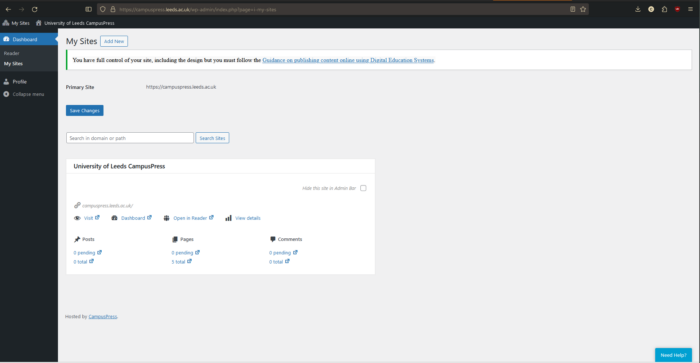
The main dashboard will then appear. This is where you can create a new blog, or access any that you are already associated with.
< CampusPress: Guides for Students home page
< CampusPress: Guides for Staff home page