
Using the CampusPress Dashboard
< CampusPress: Guides for Students home page
< CampusPress: Guides for Staff home page
Main Dashboard
When you login to CampusPress, this will load the main dashboard which shows an overview of all of the blogs that you have access to.
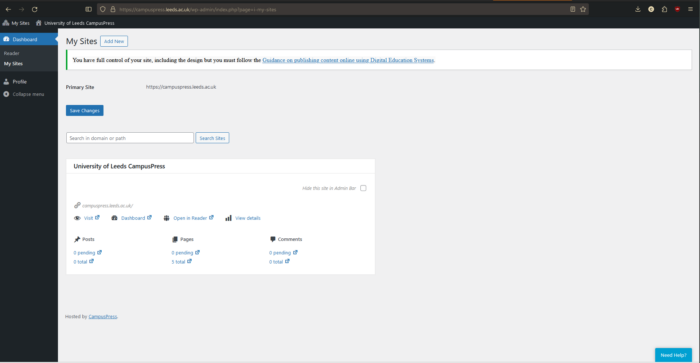
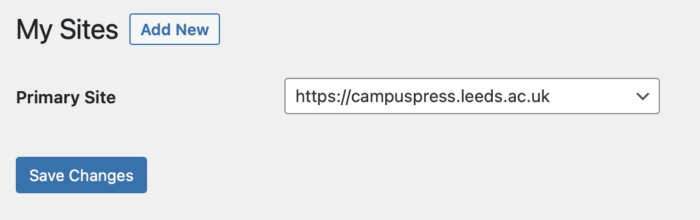
From the main dashboard you can also change which blog that you'd like to make your primary site. Use the drop down menu to select a blog, then click Save Changes. This blog will then be visible when you first login.
Blog Dashboards
Each individual blog that you create in CampusPress will also have it's own dashboard, from which you can make changes and add content. All themes and plugins have been pre-approved for use, and you will not be able to add new ones.
Here are some useful guides from CampusPress (also known as EduBlogs) to help you get started with building your blog, or to make any changes to the settings:
< CampusPress: Guides for Students home page
< CampusPress: Guides for Staff home page