Troubleshooting: Can't see the Microsoft Education link? – Staff Guide
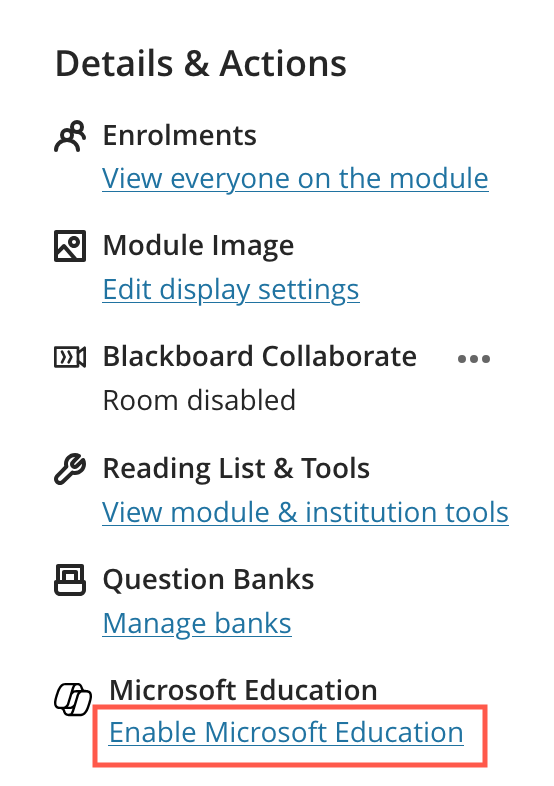
The first time you open a module/organisation, the Enable/Open Microsoft Education link may not appear, if you experience this, please try the following troubleshooting steps:
- Ensure you are enrolled as an instructor on the module/merged module/organisation.
- Exit and re-enter the module/organisation.
- Do a hard refresh on your browser. (See our guide on hard refreshing your browser).
- Try a different browser if you have access to an alternative (Safari commonly experiences this issue unless third-party cookies are enabled).
- Allow third party cookies on your device and refresh the page. (Note that your third party cookie settings may be restricted if you are working on a University-owned device. For further information, see our guide on allowing third party cookies on your device.)
- Try using a browser within the Virtual Desktop to log in to Minerva. (Click on the following link to access the web version of the Virtual Desktop.)
If none of these troubleshooting steps resolve the issue of not seeing the link, please create a support ticket for technical assistance, you can do this via the IT website.